


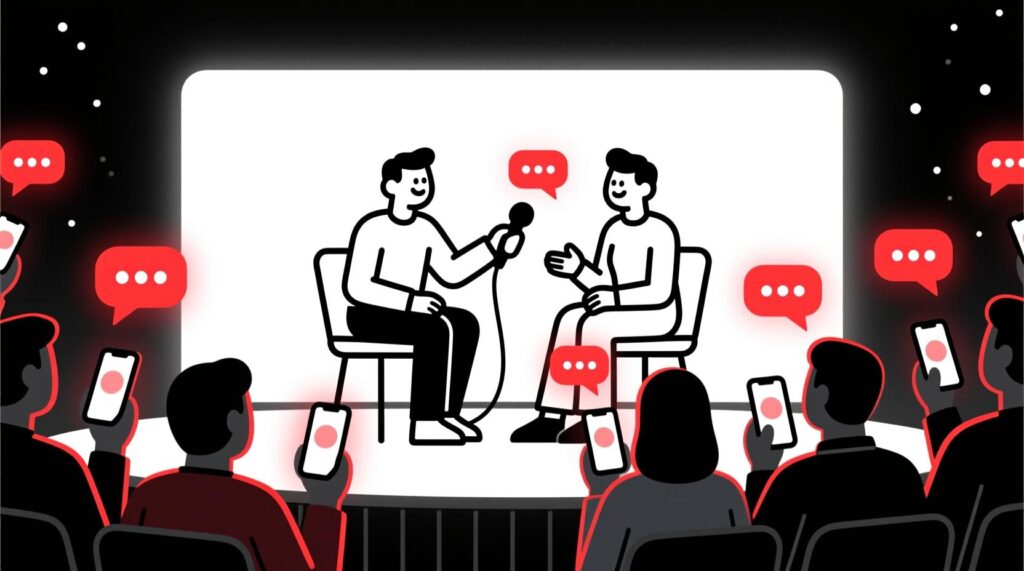
Let’s be honest about the panel discussion. It’s a staple of business events, but it’s often the moment the energy in the room dies. A panel of experts on stage, each giving a mini-speech, followed by a moderator asking pre-planned, generic questions. The audience is physically present, but mentally checked out.
This isn’t just a feeling; it’s a fact. A comprehensive report on panel discussions found that a staggering 63% of respondents rated panel formats as merely “okay” or worse. The format is a massive missed opportunity. You have a room full of brilliant members with real-world questions, but the rigid structure prevents a real conversation from ever happening.
This post is your playbook for breaking free. We’ll show you how to use AI as your ultimate moderator’s assistant to crowdsource questions, drive real conversation, and turn your panel into the most valuable session of the day.
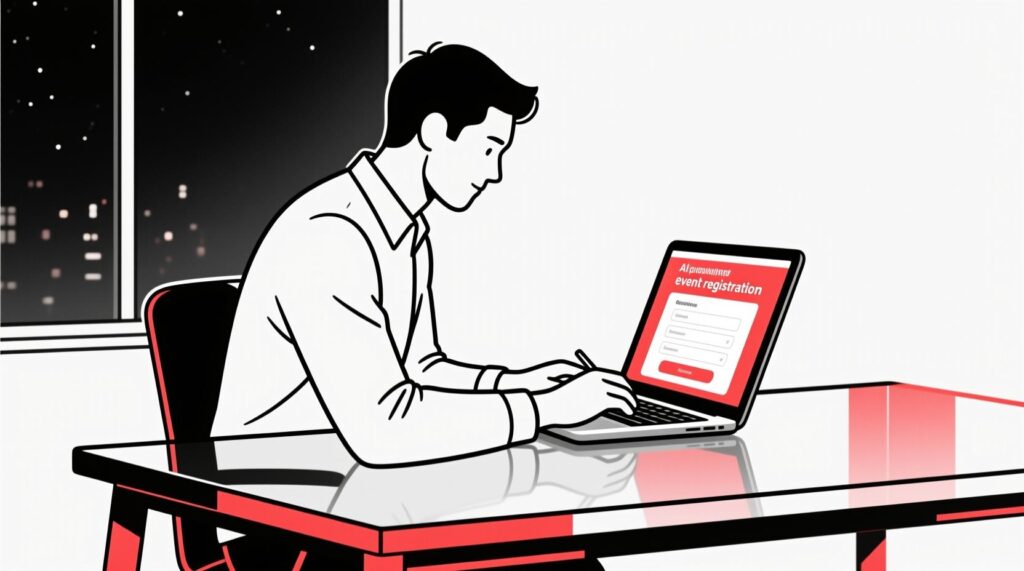
Tactic 1: The Pre-Event “Question Harvester”
A great conversation starts long before the panelists take the stage. The secret is to let your audience set the agenda. This ensures the topics are relevant and directly address their most pressing concerns.
The Technique: In your event registration form, add one simple, open-ended question: “What is the #1 question you’d like our panelists to answer about [Topic]?”
The “Question Themer” Prompt: Once you have the submissions, feed them to an AI.
Act as a professional moderator. I've pasted a list of questions submitted by our event attendees for an upcoming panel discussion on [Topic]. Your task is to analyze all the questions and group them into 3-5 distinct themes. For each theme, write a single, powerful, overarching question that captures the spirit of the submissions.This prompt transforms a long list of individual questions into a strategic, thematic agenda for your moderator.

Tactic 2: The Moderator’s “AI-Briefing Book”
Empower your moderator to facilitate a truly insightful conversation. Use AI to create a “cheat sheet” on your panelists, allowing the moderator to connect the dots between their different areas of expertise.
The “Briefing Book” Prompt:
Act as a research assistant for a panel moderator. I have pasted the LinkedIn bios of our three panelists below. Your task is to create a one-page briefing document. The document should include:

1. A 3-bullet summary of each panelist's key expertise.

2. A list of 3 potential "synergy points" where two or more panelists have overlapping or complementary experience.

3. One interesting, non-obvious question I could ask each panelist based on their unique background.
This preparation allows your moderator to ask brilliant follow-up questions, like, “Jane, that’s a great point on marketing. John, given your background in sales, how do you see those two ideas connecting?”
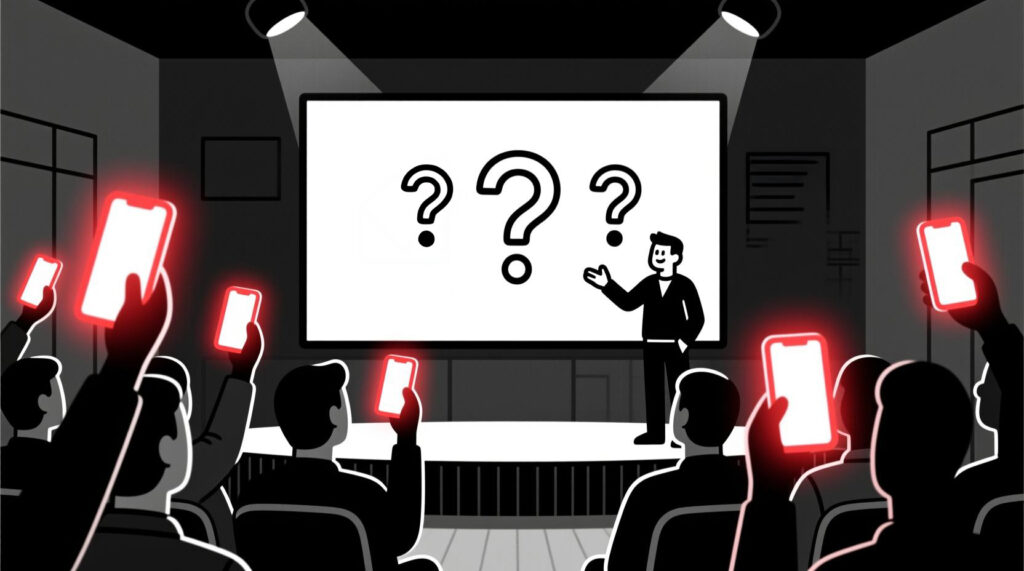
Tactic 3: The Real-Time “Question Weaver”
This is how you manage the flow of conversation live. Use a real-time interaction tool lik Slido to allow attendees to submit and, crucially, upvote questions from their phones. This democratizes the Q&A, pushing the most popular questions to the top. The results can be dramatic: one organization saw a jump from 5 employee questions to over 100 in a single meeting after implementing a similar tool.
The “Live Moderator’s Assistant” Prompt:
Act as my co-moderator. I've pasted a real-time stream of questions from our live audience. Your job is to quickly:

1. Identify the most upvoted question.

2. Find two other related questions from the stream.

3. Combine them into one clear, concise, and impactful question for me to ask the panel next.
Canadian AI Guy’s Pro Tip: Encourage Panelist-to-Panelist Interaction
The best panels feel like you’re eavesdropping on a fascinating conversation between experts. Explicitly encourage this! Tell your moderator to use a phrase like: “Jane, does anyone else on the panel have a question for you about that point?” This simple trick breaks the rigid moderator-to-panelist format and often sparks the most authentic and memorable moments of the event.
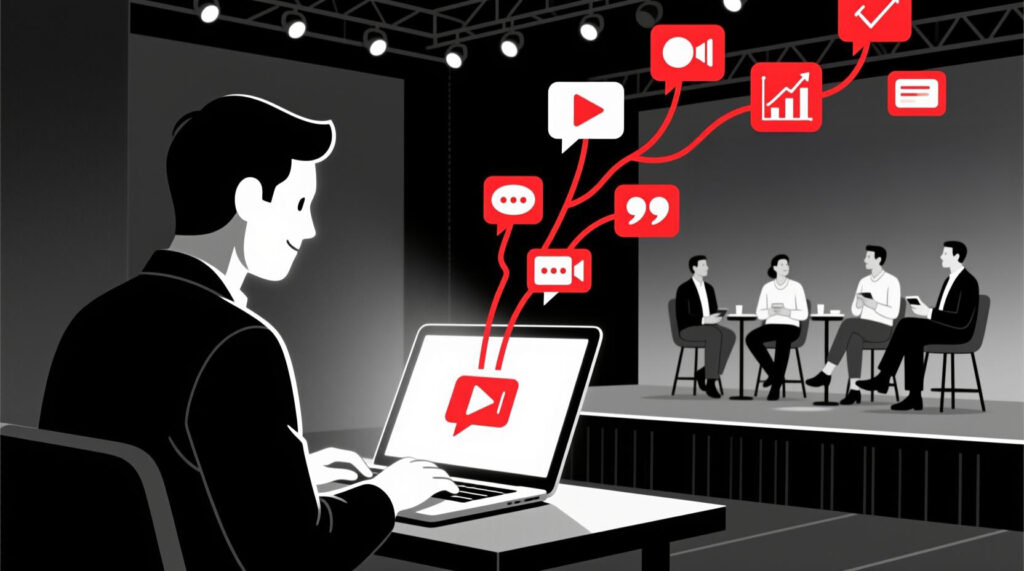
Tactic 4: The “Post-Panel Content Machine”
The value of a great panel discussion shouldn’t end when the applause fades. The expert conversation you’ve just captured is a “content goldmine” that can fuel your marketing for weeks. Repurposing event content is a key strategy to increase ROI by reaching wider audiences.
The “Content Repurposer” Prompt:
Act as a content strategist. I've pasted the full transcript of our panel discussion. Your task is to turn this into three pieces of content:

1. A 'Top 5 Takeaways' blog post.

2. Three tweet-sized, shareable quotes from the panelists.

3. A short, engaging summary for our post-event email newsletter.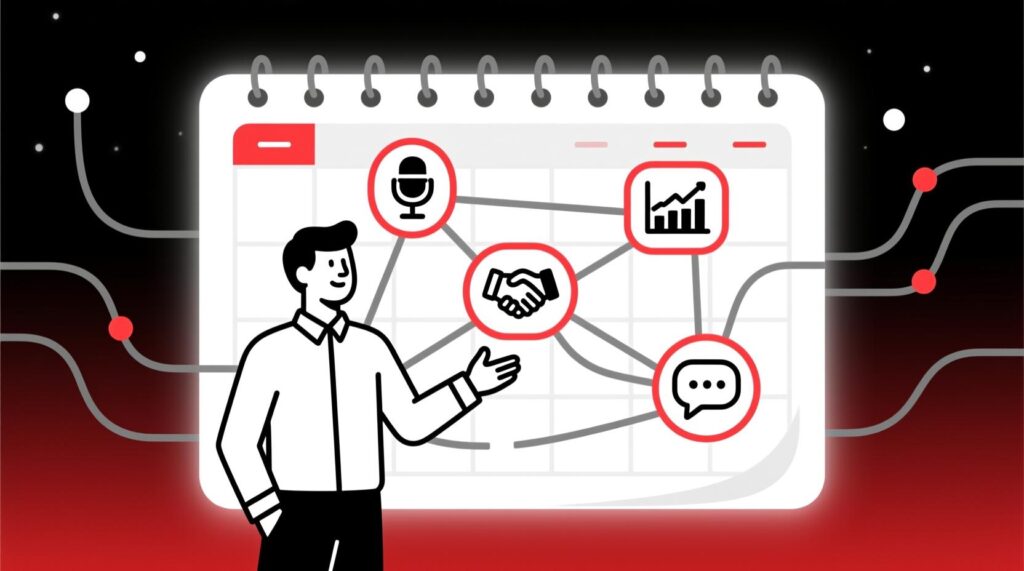
From Tactics to a Total System
These AI-powered tactics are powerful tools for transforming a single panel discussion. But imagine applying this level of strategic thinking to your entire event calendar.
If you’re ready to move beyond one-off solutions and want to build a complete, AI-powered framework for your Chamber—from events to operations—that’s the next level. Book a free, no-pressure 20-minute discovery call to discuss what a custom AI strategy could look like for your organization.
Conclusion: Give Your Members the Mic
The secret to an un-boring panel is simple: turn the microphone around. Modern attendees don’t want to be passive listeners; they want to be participants who feel like the “fourth or fifth member of the panel.” By using AI to systematically gather, organize, and prioritize your audience’s questions, you transform a one-way lecture into a valuable, two-way conversation that your members will remember.
An engaging panel is a huge win. The final step is to measure that engagement and prove its value. Learn how in our guide Measuring What Matters: An AI-Powered Guide to Analyzing Event Engagement.
People Also Ask (FAQ)
1. How do you handle a panelist who talks for too long?
A good moderator is key. Give them permission beforehand to politely interject. A phrase like, “That’s a great point, John. Jane, I’d love to get your perspective on that as well,” is a professional way to redirect the conversation.
2. What’s the ideal number of panelists?
Expert consensus suggests that three to four panelists plus a moderator is the sweet spot. This allows for diverse perspectives without becoming chaotic.
3. How can we make our virtual panels more engaging?
Use the tools! Virtual panels are a perfect environment for live polls and Q&A. Research shows that frequent interaction points, such as a poll every 4-5 minutes, can keep a virtual audience highly engaged.
4. What if the audience doesn’t submit any questions?
The pre-event “Question Harvester” is your safety net. You will already have a list of high-quality, audience-submitted questions to start the conversation, which almost always encourages others to participate.
5. How does crowdsourcing questions help our Chamber’s strategy?
The questions your members ask are a direct reflection of their biggest challenges. Analyzing these questions with AI gives you an incredibly valuable dataset that can and should inform your programming and advocacy efforts for the entire year.
Share this:

Read more:
The 5-Minute AI Fix: Write Your Social Media Posts for the Entire Week

How to ‘Talk’ to AI: A Small Business Owner’s Guide to Better Conversations