
It’s 8 PM on a Tuesday. The kids are finally in bed, the hum of the fridge is the loudest sound in the house, and you’ve just sat down on the couch for the first time all day. You pick up the remote, and then it hits you… you still have to write up that quote for the Henderson job.
You can feel the energy drain right out of you. It’s a familiar feeling for almost every small business owner in Canada. You’re a pro at your trade, but the endless mountain of paperwork—especially quoting—is a soul-crushing grind that steals your evenings.
What if you could get that time back?
This isn’t theory. As the owner of a marketing agency, this is the exact system I use for my own proposals. It’s taken what used to be a multi-hour task and condensed it into minutes. It’s about 1000% less effort, and the results are more professional than ever.In this article, I’m going to show you how to turn your rough job notes into a polished, professional quote in less than five minutes using a simple AI tool. No tech genius required, I promise.
Why Your Old, Rushed Quotes Are Costing You Jobs
If you feel like you’re drowning in paperwork, you’re not imagining things. A 2025 report from ADP Canada found that the average Canadian small business owner spends 21 hours per week—nearly three full workdays—just managing data and administrative tasks.
Let that sink in. That’s time you aren’t spending on the tools, with your family, or growing the business. It’s no wonder that a staggering 87% of owners say this administrative burden significantly hurts their productivity and ability to grow, according to the Canadian Federation of Independent Business (CFIB).
This is where rushed, late-night quotes come from. We’re tired, we hurry, and we make mistakes. This isn’t just about the time it takes; it’s about the quality of what you’re sending to potential clients. These quotes often suffer from:
- Forgotten Details: Missing a small line item for materials or a specific labour task that ends up costing you money out of pocket.
- Inconsistent Formatting: One quote is a paragraph, the next is a bulleted list. This can look unprofessional and disorganized.
- Vague Language: Using unclear terms that make a client hesitate because they aren’t 100% sure what they’re getting.
These small things add up. In a competitive market, a client will almost always choose the business that looks more professional and organized. Your quote is the first real sample of your work they see.
Your Secret Weapon: The 5-Minute AI Quote Prompt
The good news is, you already have all the information you need. The AI just acts as your tireless administrative assistant, taking your messy notes and turning them into something great.
Below is a copy-and-paste prompt you can use with an AI tool like ChatGPT, Claude, or Google Gemini. Just replace the text in the square brackets [] with your own job details.
Act as an expert estimator for a Canadian small business called [Your Company Name]. Your tone should be professional, confident, and straightforward.

Please create a formal quote based on the following details.

Client Information:
- Name: [Client's Name]
- Address: [Client's Address]
- Phone/Email: [Client's Contact Info]

Job Details & Notes:
[Paste your rough notes here. For example: "Henderson job. Need to build a 60-foot cedar fence. 6-foot high panels. Use 4x4 pressure-treated posts spaced every 8 feet. Install two 4-foot wide gates with standard hardware. Includes removal and disposal of the old chain-link fence. Labour is approximately 25 hours at $75/hour."]

Quote Structure:
1.  Start with a brief, professional opening.
2.  Create a clear, itemized list of all materials and labour with costs for each.
3.  Calculate a subtotal for all items.
4.  Add a line item for GST/HST at [Your Province's Rate, e.g., 5%].
5.  Calculate the final, total price.
6.  Include a section on the estimated project timeline and payment terms.
7.  End with a clear call-to-action, letting the client know the next steps to approve the quote.

Please format the final output to be clean, easy to read, and ready to be copied into an email or document.
Putting It Into Action: The Basic Workflow
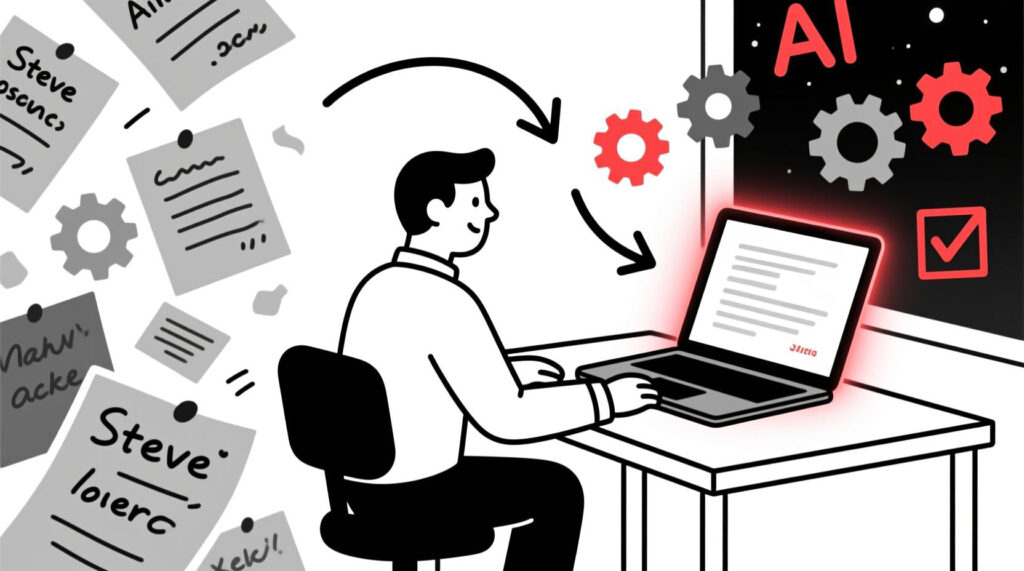
So, what does this look like in the real world? Let’s imagine Steve runs “Steve’s Sturdy Fences” in Calgary. His messy notes are transformed into a clean, professional document that’s ready to send. The whole process takes minutes.
LEVEL UP: Pro Hacks for a Truly Hands-Off System

The prompt above is your starting point. Now, let’s talk about the masterclass workflow that can make this process almost completely automatic.
Hack #1: Never Take Notes Again with AI Meeting Assistants
How many times have you been on-site with a client, trying to listen, measure, and scribble notes all at once?
- For online consultations: A tool like Fireflies.ai can join your Zoom meeting, record it, and provide a perfect, word-for-word transcript.
- For in-person meetings: An app like Plaud can record your on-site conversation (with permission!), giving you a full transcript of every detail.
Hack #2: Combine All Your Sources in One Shot
Now you can combine these powerful transcripts with our master prompt. Instead of typing out notes, you just copy and paste the raw data you’ve already collected into our master prompt: the full transcript from Fireflies, the client’s initial email, and any other notes. The AI will synthesize everything into one incredibly detailed and accurate quote. You’ve gone from being a note-taker to just a reviewer.
Bonus Hack: From AI Chat to Polished Quote with Google Docs
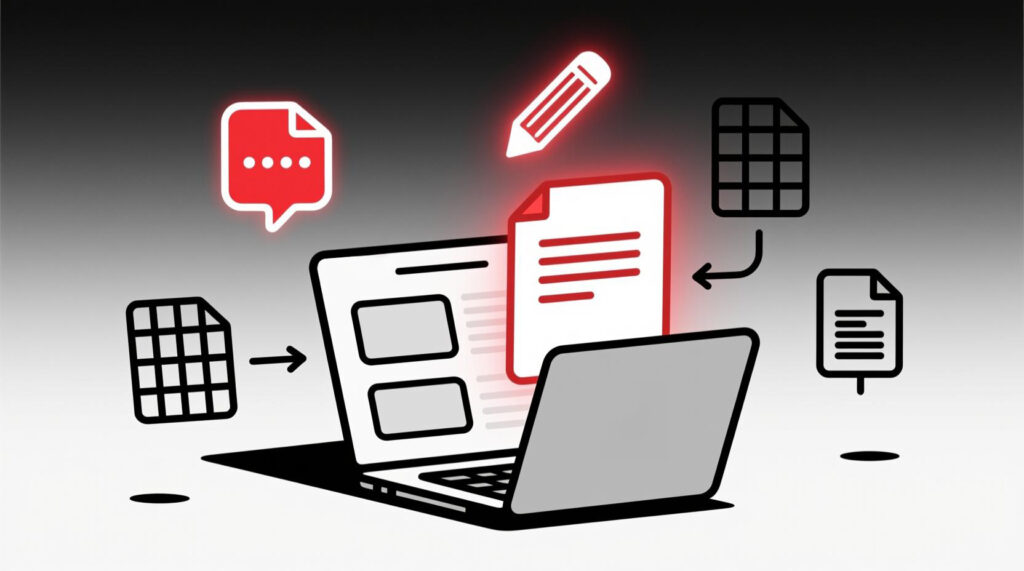
You don’t need fancy, expensive software to create a professional-looking quote. If you have a Google account (even a free Gmail), you have a powerful AI-assisted quoting system at your fingertips.
Here’s a simple process:
- Paste into Google Docs: Take the clean text generated by the AI and paste it into a new Google Doc.
- Refine with “Help me write”: Highlight a section of the text, and a little pencil icon will appear. This is Google’s built-in AI. You can use it to instantly “Formalize,” “Elaborate,” or “Shorten” the text to get it just right.
- Create a Template: Once you have a layout you love, go to File > Make a copy to create a master quote template. Now your branding is consistent every single time.
- Power-Up with Google Sheets: For complex jobs with lots of line items, create a simple price list in Google Sheets. Then, in your Google Doc, go to Insert > Chart > From Sheets and link your itemized list. Now, if you update a price in your Sheet, the quote in your Google Doc updates automatically. It’s a game-changer.
A Final Touch: Making the AI Sound Like You
Your brand has a unique voice. You can easily instruct the AI to match your style. Simply add a line to the top of the prompt like, “Write in a friendly, approachable, and confident tone.” This small tweak ensures the final quote sounds like it came directly from you.
It’s Time to Get Your Evenings Back

This isn’t about replacing your expertise; it’s about automating the administrative grind that gets in the way of it. In the time it took you to read this article, you could have already finished a quote and be on the couch, remote in hand, with your work actually done.
So give it a shot, eh? Copy the prompt, try it on your next quote, and see how much time you save. This is the first step to building a smarter business that serves you, not the other way around.
P.S. As certified Google Workspace partners, we live and breathe this stuff every day. If you want a hand setting up this exact workflow for your business, feel free to join one of our free open office hours calls. It’s a no-pressure chat where we help small business owners like you get this done.
People Also Ask (FAQ)
1. What is the best AI tool for generating business quotes?
For most business owners, the system we outlined using a general AI (like ChatGPT or Google Gemini) combined with Google Docs is the most powerful and cost-effective solution. However, as your business grows, you might explore specialized software. Tools like Jobber or Quotient are designed for trades and service businesses and often include AI-assisted features for quoting, invoicing, and scheduling all in one place. The tradeoff is typically a monthly subscription fee versus the free or low-cost general tools.
2. How can I make sure the AI quote includes my specific material costs and labour rates?
This is the key to truly accurate quotes. The simplest way is to include your rates directly in the prompt’s notes section. For a more advanced workflow, you can copy and paste text from a supplier’s price list directly into the chat and instruct the AI to “use these prices for all material calculations.” If you don’t have a list, you can even ask the AI to do the research for you with a prompt like, “Based on current market rates in Calgary, Alberta, what is the average cost for [material]?” This makes the AI an incredibly powerful tool for both calculation and proofing.
3. How can I make sure an AI-generated quote sounds like my business?
It’s all in the instructions! Before you provide the job details, add a line at the top of your prompt defining the tone of voice. For example: “Adopt a friendly, straightforward, and professional tone. Avoid overly corporate jargon.” The AI will then tailor its language to match your brand.
4. Is it safe to put my client’s information into an AI to make a quote?
This is a critical question. When using major AI tools with a business or paid account (like ChatGPT Plus), your data is typically not used for training their models. However, it’s always best practice to use the client’s name but avoid inputting highly sensitive information like their personal financial details. (We’ll be covering this in-depth in our next article on the Eh-I Blog: Is AI Safe for My Business Info? A No-Nonsense Guide for Canadian Small Business Owners).
5. Can I use AI to create quotes directly from my phone?
Absolutely! All major AI assistants have excellent mobile apps. You can use your phone’s voice-to-text feature to dictate your notes directly into the app, paste the prompt, and have a completed quote ready to go before you even leave the job site. It’s a massive time-saver for anyone who works on the go.
Share this:

Read more:

The 5-Minute AI Fix: Write Your Social Media Posts for the Entire Week

How to ‘Talk’ to AI: A Small Business Owner’s Guide to Better Conversations